How to Compress a GIF Without Losing Too Much Quality
Reduce an animated GIF file size in your browser, choose a practical target, and understand when resizing or lowering frame rate helps.
5 min readSeptember 20, 2026
Step-by-step tutorials and practical settings for creating smaller, smoother, no-watermark GIFs from YouTube videos.
Reduce an animated GIF file size in your browser, choose a practical target, and understand when resizing or lowering frame rate helps.
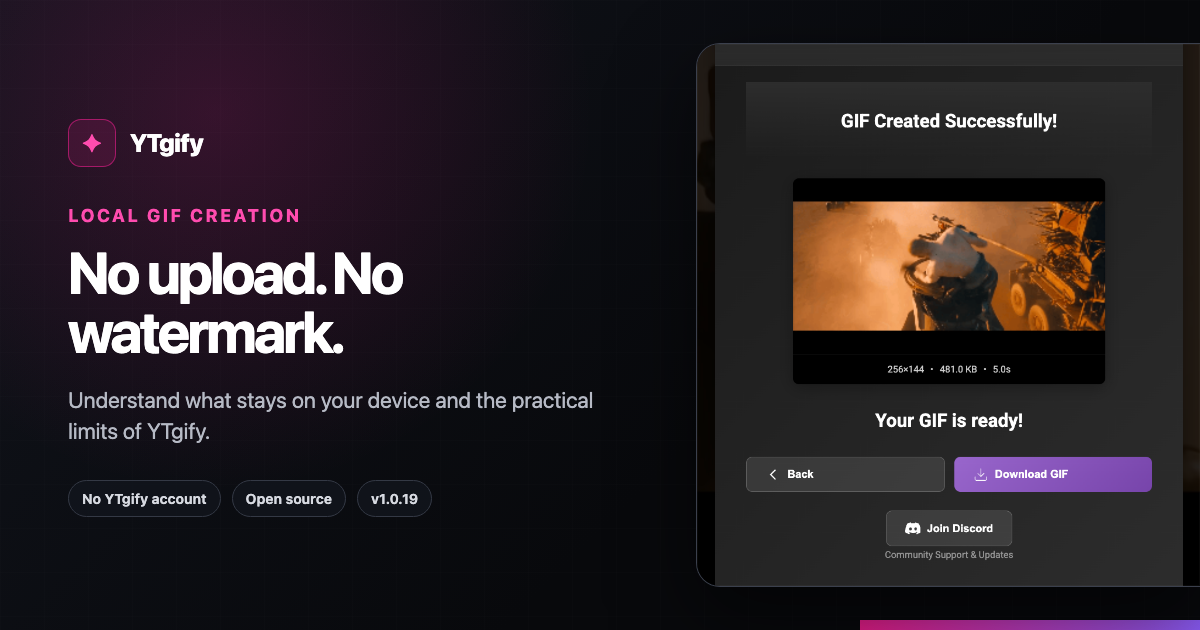
An evidence-backed look at YTgify's free, no-watermark workflow, local processing, manual Chrome install, and current practical limits.
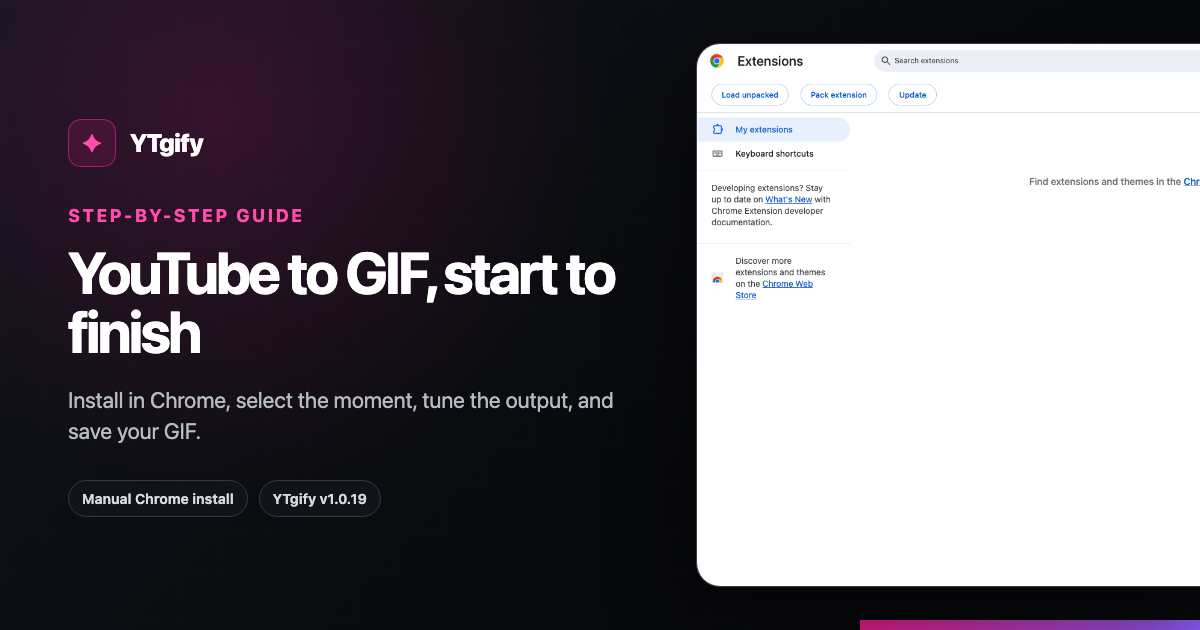
A current, step-by-step YTgify v1.0.19 guide: install the Chrome extension manually, choose a clip, tune it, and download a GIF.
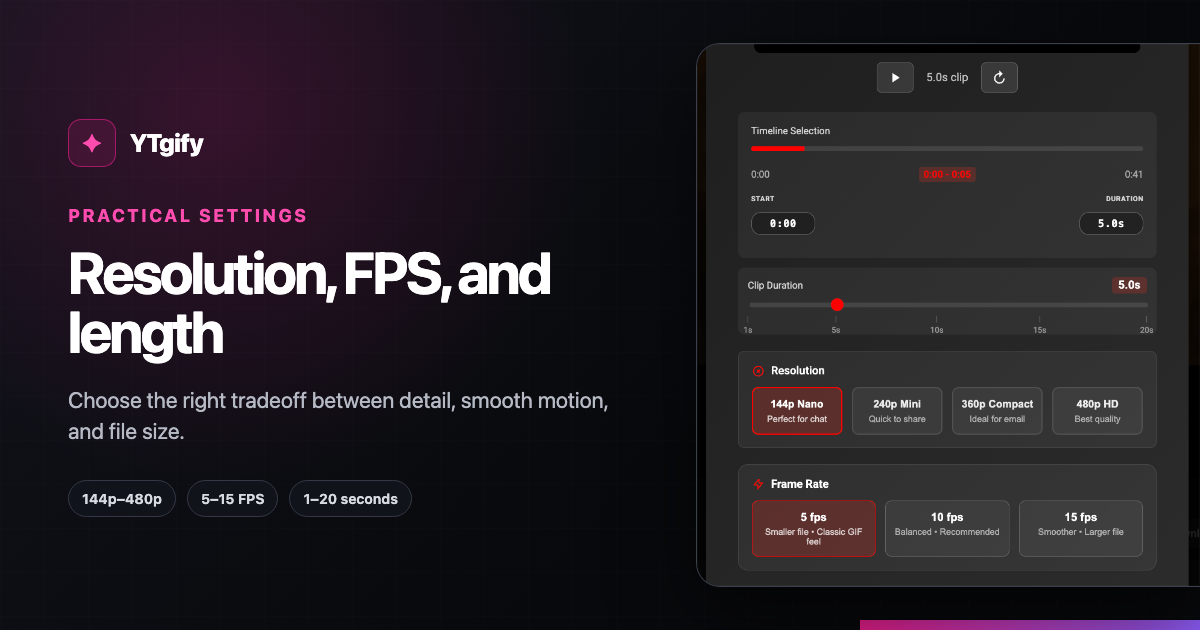
Choose YTgify resolution, frame rate, and clip length for chat, social posts, reactions, and clearer detail without oversized GIFs.