YouTube to GIF Without a Watermark: What Stays Local
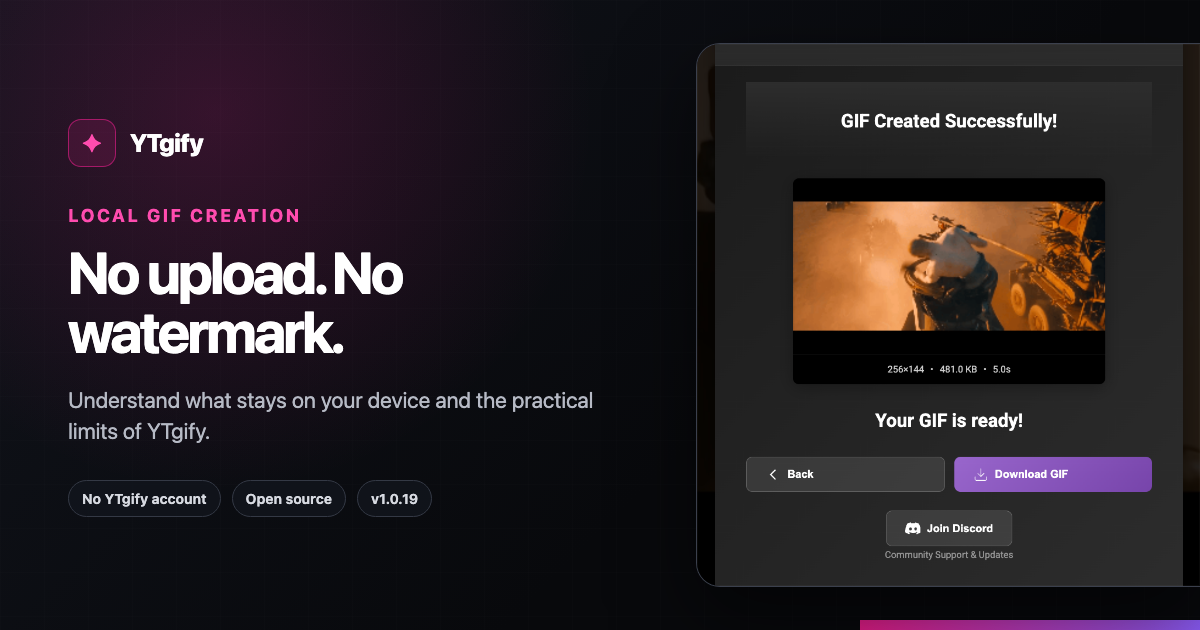
YTgify creates GIFs without adding a watermark and does not require a YTgify account. Its main difference from an upload-based converter is architectural: the extension's published privacy policy says GIF processing happens locally, captured frames are held in memory, and GIFs and settings stay on your device.
This guide explains what those claims mean in YTgify v1.0.19, along with the limits you should know before installing it.
What “local” means here
With YTgify, you choose a moment while watching YouTube and the extension captures that selection in your browser. According to the project's privacy policy, it does not send GIF data to an external conversion server and does not collect personal information, browsing history, or analytics.
That privacy boundary is specific to YTgify. You are still using YouTube and Chrome, which have their own services and policies.
What “no watermark” means
YTgify exports the generated animation without placing a YTgify logo or branded overlay on it. You can add your own optional text before creating the GIF, but the product does not require an attribution mark in the image.
“No watermark” does not change copyright or permission rules. Use video material you have the right to transform and share.
How to make a no-watermark GIF
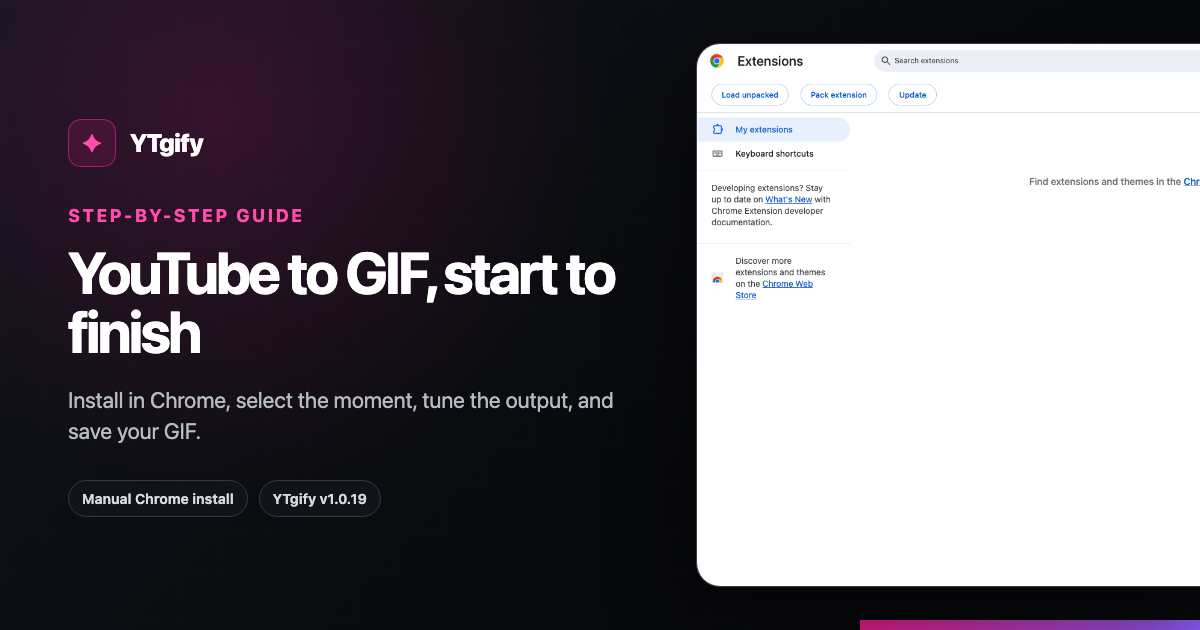
- Use the manual Chrome install walkthrough to download and load the v1.0.19 folder.
- Open a YouTube video and use the GIF control inside the player.
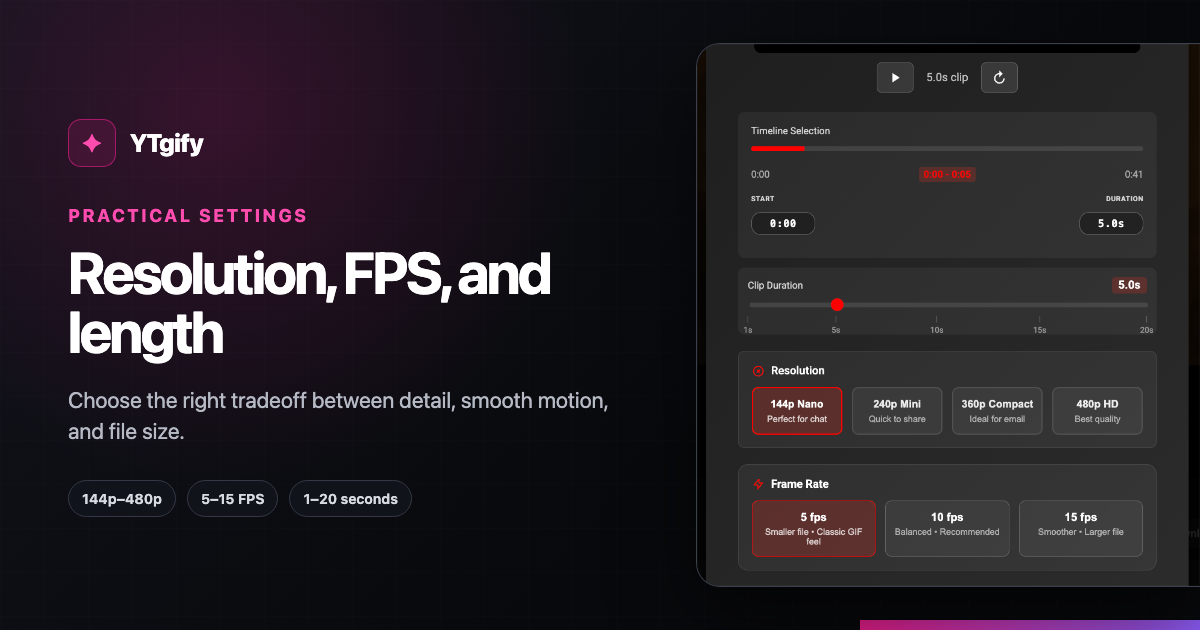
- Select a clip from 1 to 20 seconds.
- Choose 144p, 240p, 360p, or 480p and 5, 10, or 15 FPS.
- Add optional text, or skip it.
- Create the GIF, then download, copy, or keep it in the local library.
For screenshots and troubleshooting, use the full step-by-step YouTube-to-GIF guide.
Current practical limits
Transparency is more useful than an unlimited claim. In v1.0.19:
- Chrome installation is manual. The project is not currently available through the Chrome Web Store, and unpacked installs do not auto-update.
- The current documented install is Chrome-only. Do not rely on an old Firefox add-on link.
- Clip selection tops out at 20 seconds. Shorter clips are generally easier to share.
- Quick Capture tops out at 480p and 15 FPS. Those are the largest options visible in the current capture UI.
- Source quality and buffering matter. A poorly buffered or low-quality source can affect capture.
These constraints are why this page does not promise “any length,” every browser, or every kind of YouTube page.
A privacy-minded checklist
Before using any converter, ask:
| Question | YTgify v1.0.19 answer |
|---|---|
| Is the GIF branded? | No YTgify watermark is added. |
| Is a YTgify account required? | No. |
| Is the clip uploaded to a YTgify conversion server? | The published privacy policy says processing is local and data is not sent to external servers. |
| Where are saved GIFs kept? | The privacy policy says GIFs and settings are stored locally. |
| Does the extension collect analytics? | The privacy policy says no analytics are collected. |
| Can the implementation be inspected? | Yes. The extension source is public on GitHub. |
Choose settings without oversharing file size
Local processing does not make large GIFs easier to post. For most reactions, begin with 360p, 10 FPS, and three to five seconds. Use the GIF settings guide to adjust for compact chat, faster motion, or readable interface detail.
Product sources
The claims on this page were checked against the public v1.0.19 YTgify README, manifest, and privacy policy. Those project sources are the authority for the product behavior described here.