How to Create a GIF from a YouTube Video
YTgify turns a moment in a YouTube video into a GIF without making you download the source video first. The current release is installed manually in Chrome, then appears inside the YouTube player.
This walkthrough was checked against YTgify v1.0.19. If you already have an older unpacked copy, load the newer ZIP before following along.
1. Install YTgify in Chrome
Already have a video on your device? Open the free video-file-to-GIF converter instead. It works on desktop and mobile without an extension: choose your MP4, MOV, or WebM, select up to 10 seconds, then preview and download. Files stay in your browser. This tool accepts local files, not YouTube URLs.
For a longer recording (up to 30 minutes and 250 MB), type the start time in seconds—for example, 360 for a moment six minutes in—then choose a 3-second clip. Only the selected segment is captured for the GIF. If the file will not open, try an H.264 MP4 or a WebM your browser can decode.
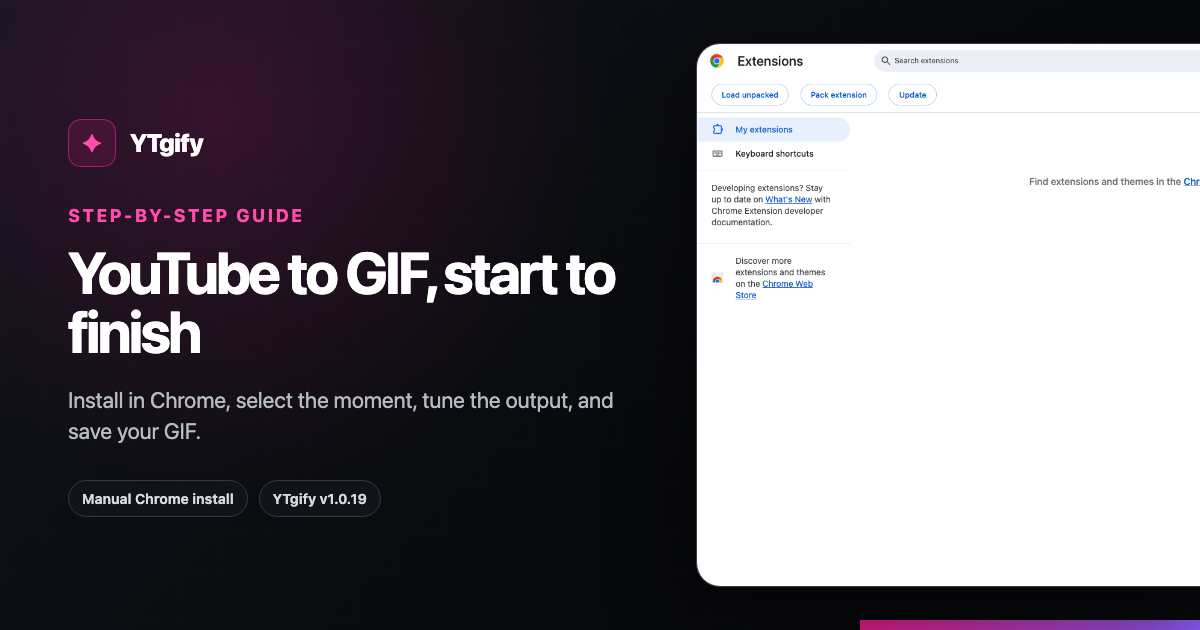
YTgify is not currently distributed through the Chrome Web Store, so use the manual install:
- Go to the YTgify install walkthrough and download the v1.0.19 Chrome ZIP.
- Extract the ZIP to a folder you will keep. Chrome loads the extension from that folder.
- Open
chrome://extensionsin Chrome. - Turn on Developer mode.
- Choose Load unpacked, then select the extracted folder.
Manual installations do not update automatically. When a newer release is available, download and load that version yourself.
2. Open the moment on YouTube
Open the YouTube video and play or seek near the moment you want. YTgify adds a GIF button to the YouTube player controls. You can also use Ctrl+Shift+G on Windows/Linux or Command+Shift+G on macOS.
If the button does not appear immediately after installation, refresh the YouTube tab once.
3. Select a short clip
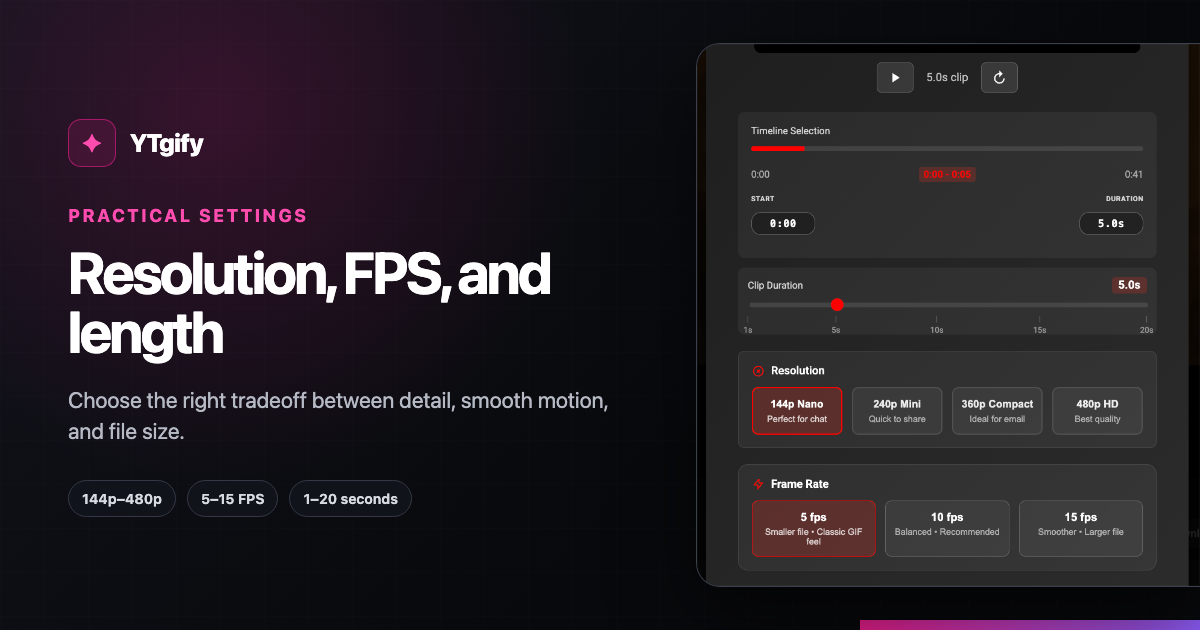
Use the timeline to set the start and end of the animation. In v1.0.19, the selectable duration is 1 to 20 seconds, or less when the video ends sooner.
Start with the shortest segment that communicates the moment. A three-to-five-second reaction is easier to share and usually loops more cleanly than a long excerpt.
4. Choose resolution and frame rate
Quick Capture offers four resolutions and three frame rates:
| Control | Available choices | Practical starting point |
|---|---|---|
| Resolution | 144p, 240p, 360p, 480p | 360p for a balance of detail and size |
| Frame rate | 5, 10, 15 FPS | 10 FPS for most clips; 15 FPS for fast motion |
| Duration | 1–20 seconds | 3–5 seconds for a shareable reaction |
These are YTgify controls, not upload limits for a social platform. If the GIF is too large, shorten the clip first, then reduce resolution or FPS. For a deeper explanation, see how to choose GIF settings for sharing.
5. Add optional text
Continue to the text screen if the moment needs context. Keep captions brief and leave important faces or actions unobstructed. You can also skip text and create the GIF directly.
6. Create and save the GIF
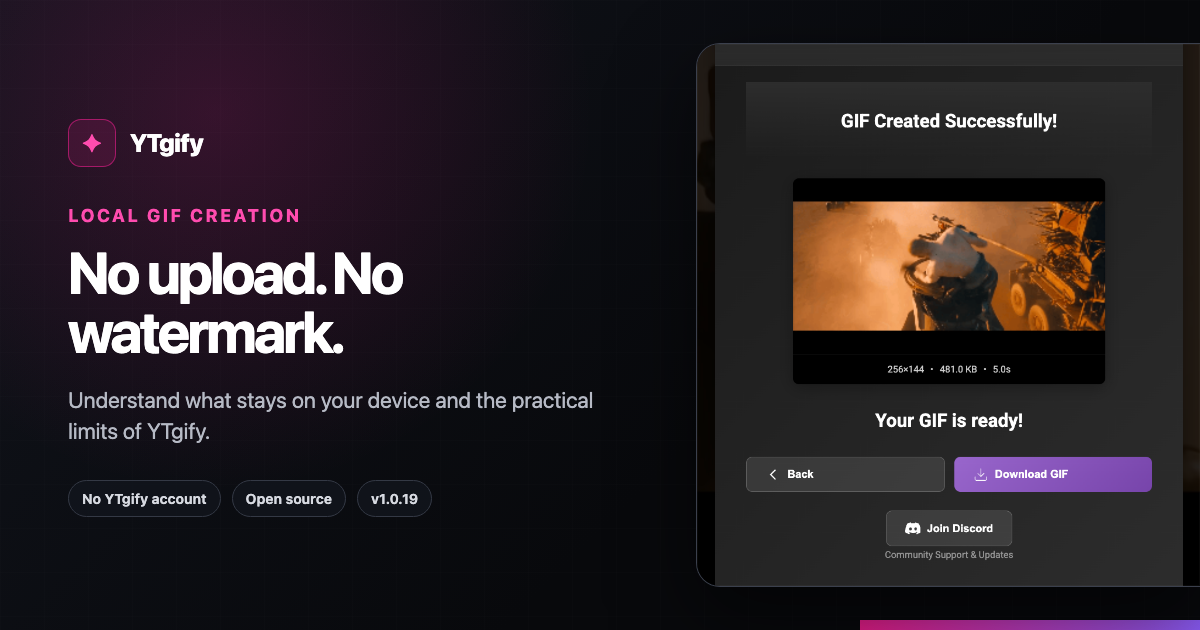
Start processing and keep the YouTube tab open while YTgify captures the selected frames. When the GIF is ready, you can download it, copy it, or keep it in YTgify's local library.
YTgify's published privacy policy says frame capture and GIF creation happen locally, with captured frames held in memory rather than uploaded to an external conversion service.
Troubleshooting
| Problem | What to try |
|---|---|
| GIF button is missing | Refresh the YouTube page and confirm YTgify is enabled at chrome://extensions. |
| Start time is wrong | Let the video buffer, seek near the moment, and reopen the capture controls. |
| Processing struggles | Use a shorter duration or lower FPS and wait for more of the video to buffer. |
| GIF is too large | Shorten duration, then step down from 480p or reduce 15 FPS to 10 or 5 FPS. |
| Extension disappeared after moving files | Keep the extracted extension folder in place, or load it unpacked again from its new location. |
What to read next
- Use practical GIF settings for different sharing situations when size or smoothness matters.
- Read the free, no-watermark and local-processing guide to understand what stays on your device.
- Return to the YTgify homepage and install walkthrough when you are ready to start.
Product sources
Product behavior on this page was checked against the public YTgify README, extension manifest, and privacy policy for v1.0.19.